
Preferences
You can open the preferences from the File menu or the command palette. It contains a number of panes.
General
Section titled “General”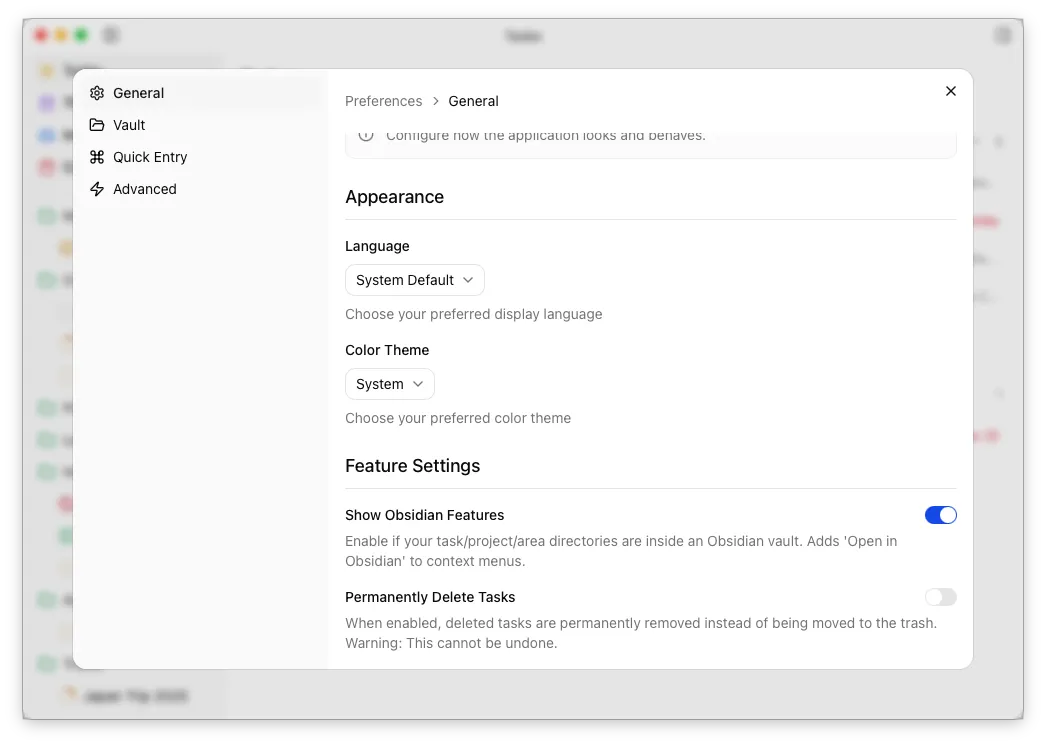
In addition to your theme and language preferences, you can also configure the following global preferences:
- Show Obsidian Features – Controls whether features like Open in Obsidian are shown in the UI.
- Permanently Delete Tasks - By default, tasks deleted via the desktop app are moved to the system recycle bin/trash can. With this switch enabled, they will instead be permanently deleted.
The vault pane contains settings related to your on-disk files. For the application to work, you must provide paths to the directories containing your areas, projects and tasks.
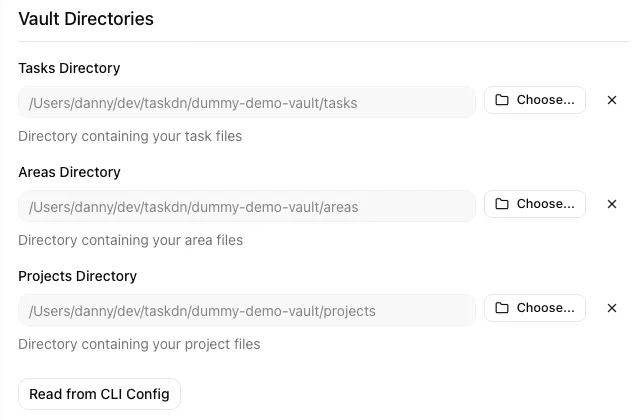
If any of these directories contain files which should be ignored (eg. tasks/README.md), you can also configure that here.
Quick Entry Pane
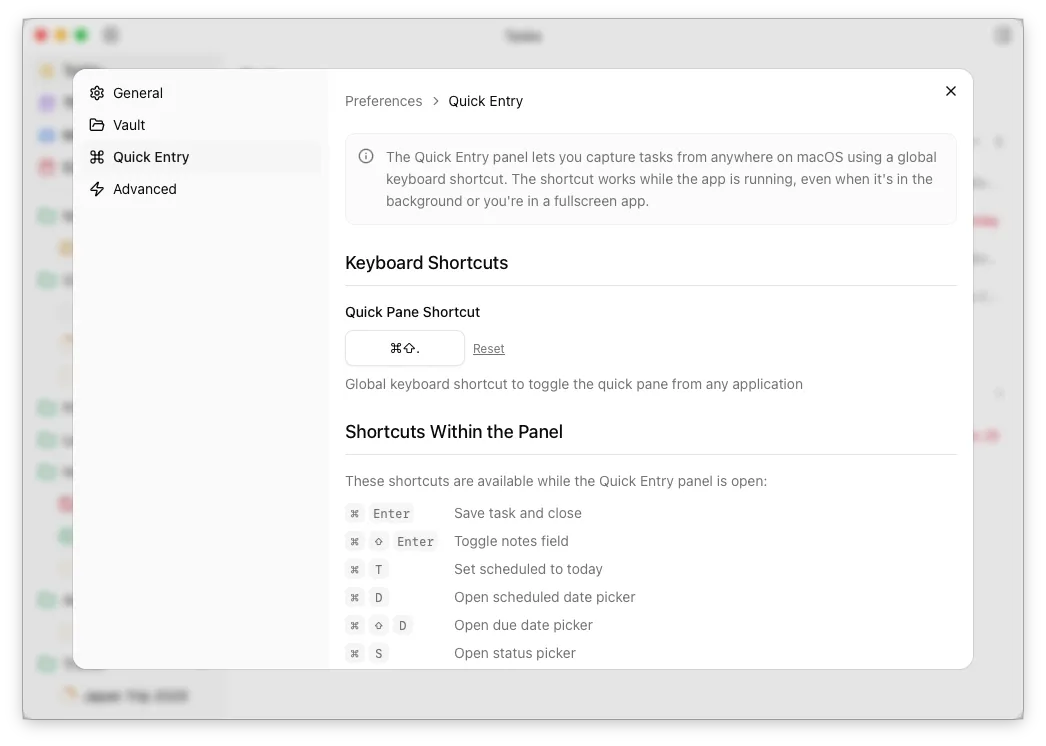
Section titled “Quick Entry Pane”Settings for the quick entry pane. You can change your global keyboard shortcut here.
How your settings are stored
Section titled “How your settings are stored”Your settings are persisted to disk in a preferences.json. The location of this differs depending on your operating system, but you can find it via the Advanced pane in the preferences.