Command Palette & Task Search
The command palette provides fast keyboard-driven access to all app functionality. Open it with
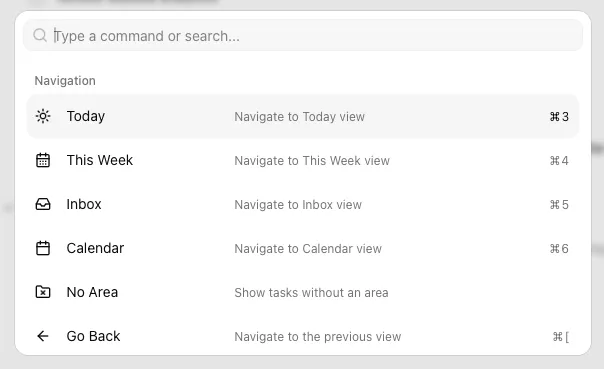
Some commands will only be available in certain views or with a task selected, but the majority will always show up. This is often the fastest way to switch between views or open a specific project. It’s also a good place to learn about the keyboard shortcuts available.
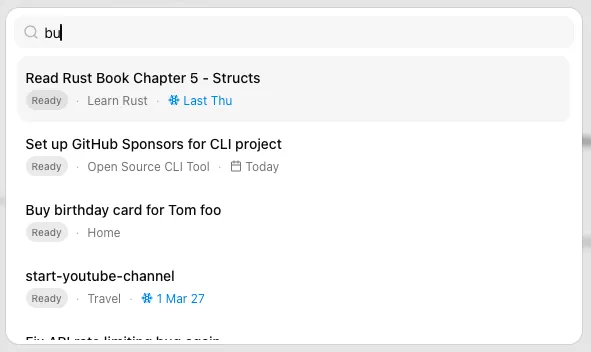
Task Search
Section titled “Task Search”The command palette includes your areas and projects because they represent Views, but doesn’t let you search for tasks. You can do this with title or filename. Recently updated tasks are shown first in the results and completed and dropped tasks are aways shown last. Pressing